

Secure Your
Cloud Storage
Files
Create secure vaults on Google Drive, OneDrive, Dropbox, etc. Client-side encryption occurs before the files are uploaded meaning your cloud provider never sees the content of the encrypted files.
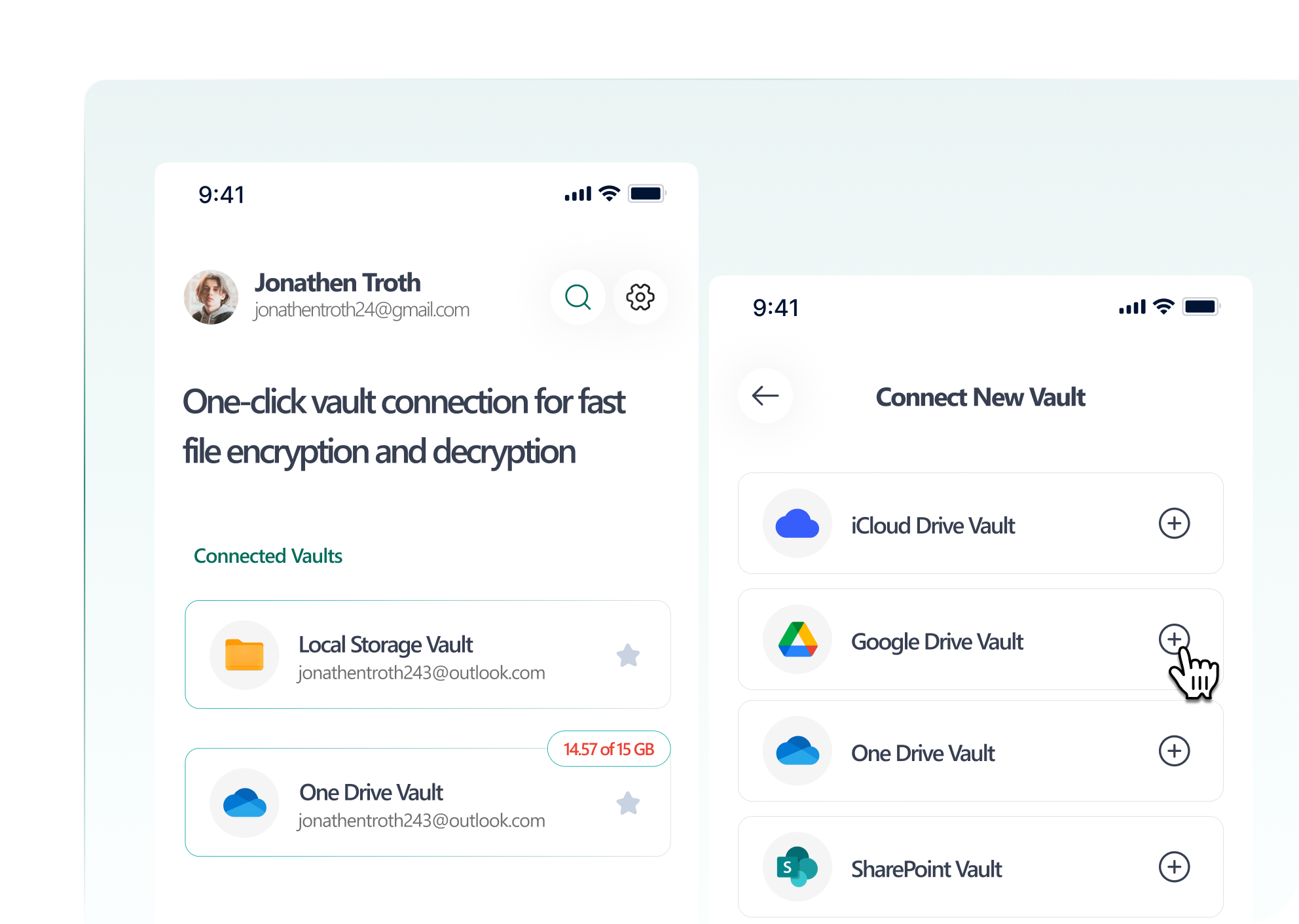
Work With All Major Cloud Providers
Client-side encryption before sync-compatible with any storage
Cloud Providers
Google Drive
Microsoft OneDrive
Dropbox
Box
iCloud Drive
Local Storage
How It Works
Three simple steps to secure your communications
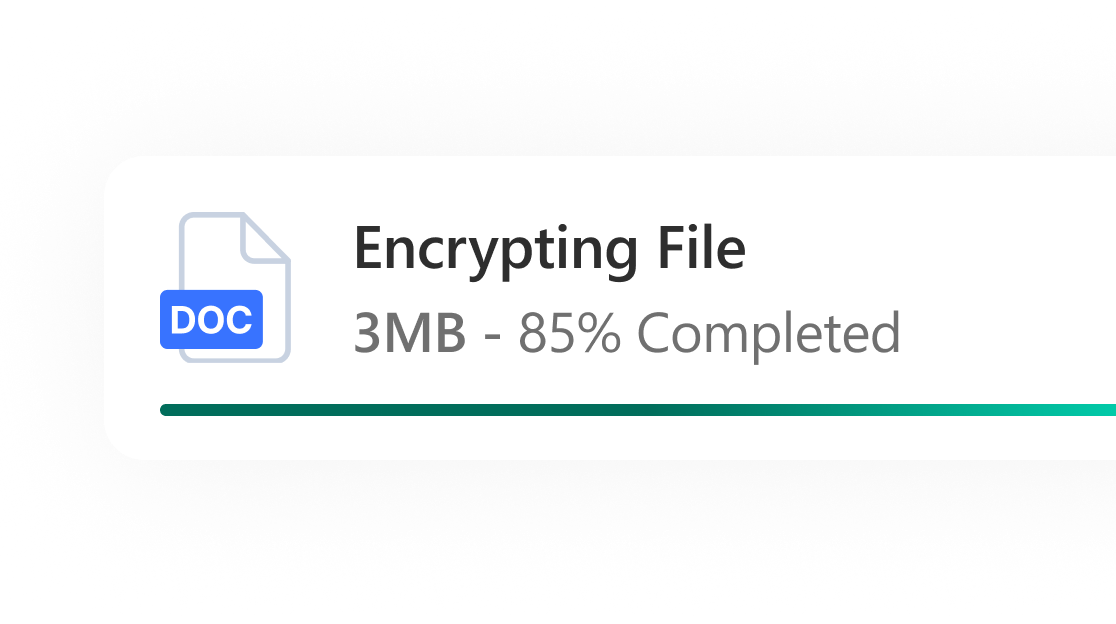
Encrypt Locally
Files are encrypted on your device before they are uploaded. AES-256-GCM encryption is applied with your private keys.
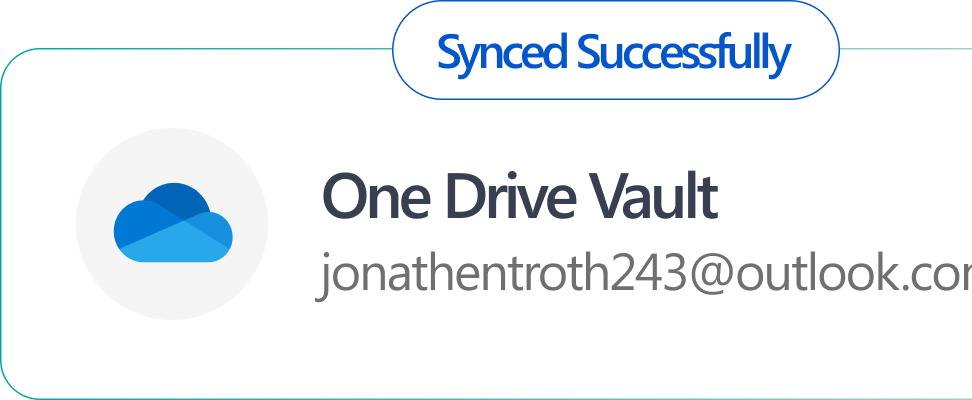
Sync Securely
Only the encrypted file syncs to your cloud storage. The provider never sees the plain text.
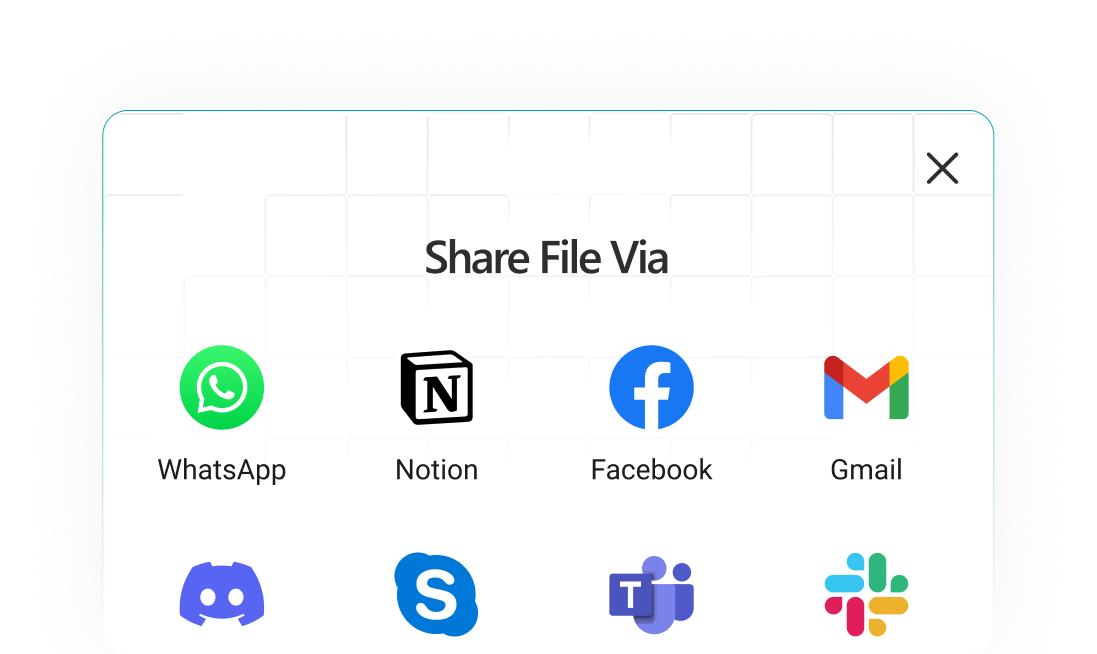
Access Anywhere
Decrypt on any device with ScryptXTM app. Files sync across devices via your existing cloud storage.
Secure Your Content
When major cloud providers encrypt your data, they hold the encryption keys, meaning they can access your files. If hacked, your data is vulnerable. ScryptXTM encryption keys never leave your device, protecting you against cloud provider data breaches
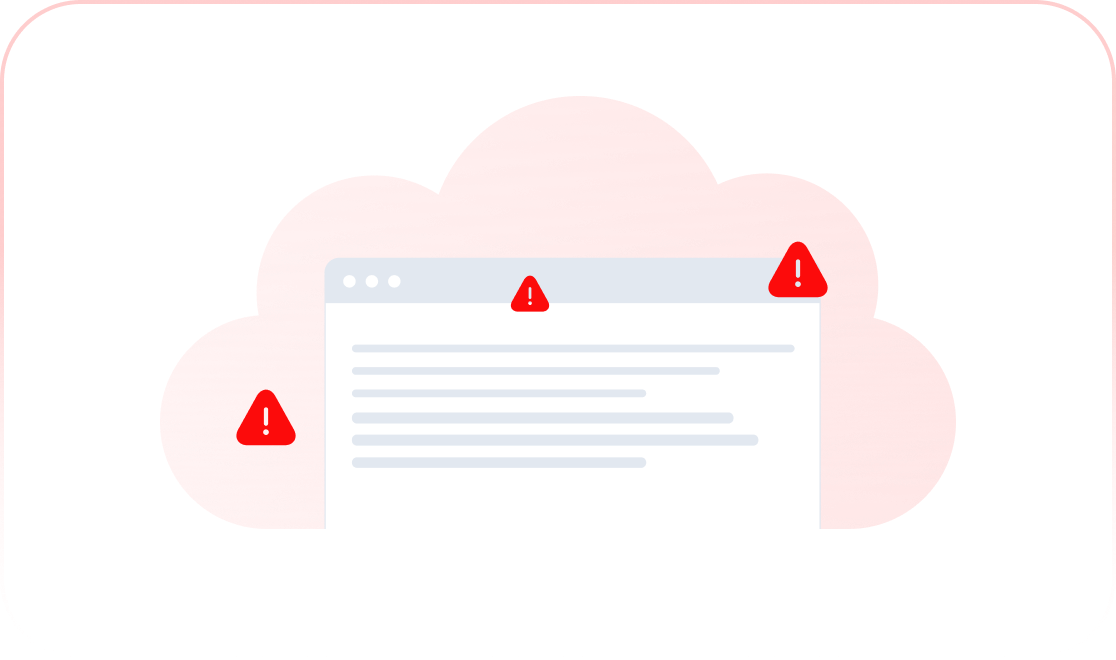
Traditional Cloud
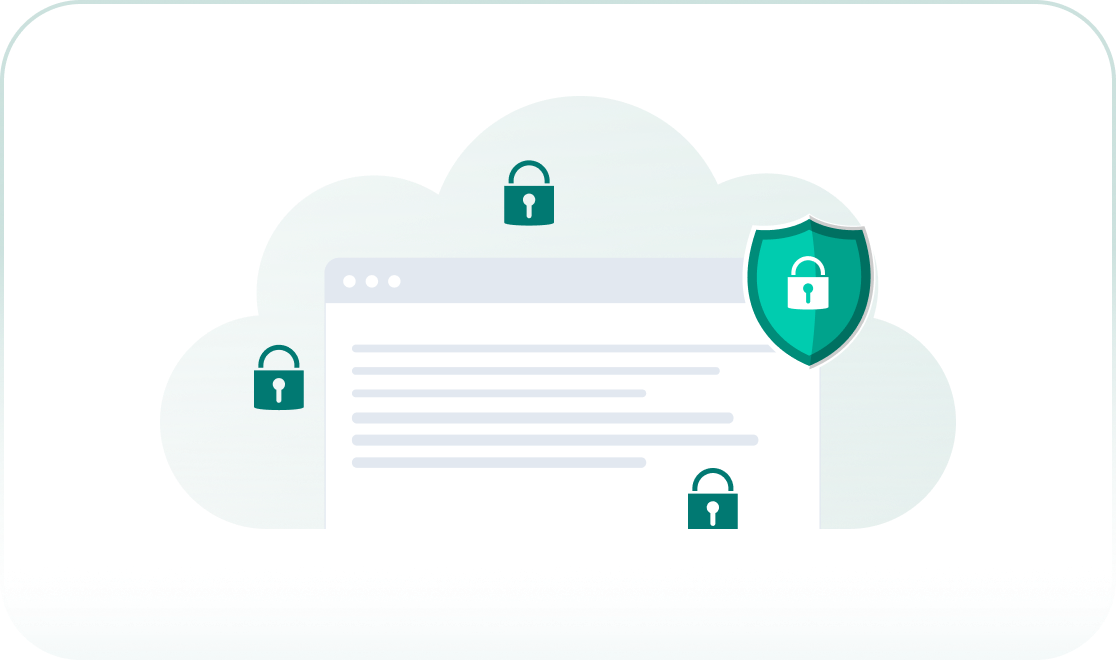
ScryptXTM Encryptor
Team Vaults
Shared Encrypted Folders
Create secure shared folders for teams. Centralized key management with role-based access controls.
Centralized Key Management
Admins control access to team vaults. Grant or revoke permissions instantly from admin console.
Role-Based Permissions
Set read-only vs. edit access. Control who can add files, delete files, or manage members.
Audit Logs
See who accessed what files when. Complete audit trail for compliance and security monitoring.
Instant Revocation
When employees leave, instantly revoke access to all team vaults. Keys updated automatically.
Use Cases

Legal Firm: Case Files
Store 10,000 case files on Google Drive, encrypted. Partners have full access, associates read-only.

Healthcare: Patient Records
HIPAA-compliant patient record storage on OneDrive. Care team has controlled access with audit trail.

Finance: Audit Documents
Encrypted quarterly reports for accounting firm. Auto-delete after 7-year retention period.
Enterprise-Grade Compliance
One solution to meet regulatory data protection and privacy requirements across multiple industries and use cases
Data Sovereignty
Files never leave your chosen region. EU-only hosting option for European data.
Defense Contractors
Store CUI with client-side encryption. Meet NIST-approved encryption standards.
Information Security
Meets ISO information security management standards for data protection.
Healthcare Data
HIPAA-compliant file storage for patient records and medical documents.
Frequently Asked Questions
Yes. ScryptX Encryptor works alongside your existing cloud apps. Files are encrypted before upload and decrypted after download. Use the ScryptXTM Encryptor app to access your decrypted files on any device.
Zero-knowledge architecture means passwords are unrecoverable. If you lose your password, your encrypted files cannot be accessed. We strongly recommend secure password backups.
Storage depends on your cloud provider plan (Google Drive, Dropbox, etc.). ScryptXTM adds encryption—it doesn't provide storage itself.
Yes. Recipients will need the ScryptXTM Encryptor app to decrypt the files. You share the encrypted file via your cloud provider as normal, then securely share the decryption key with the recipient through the app.